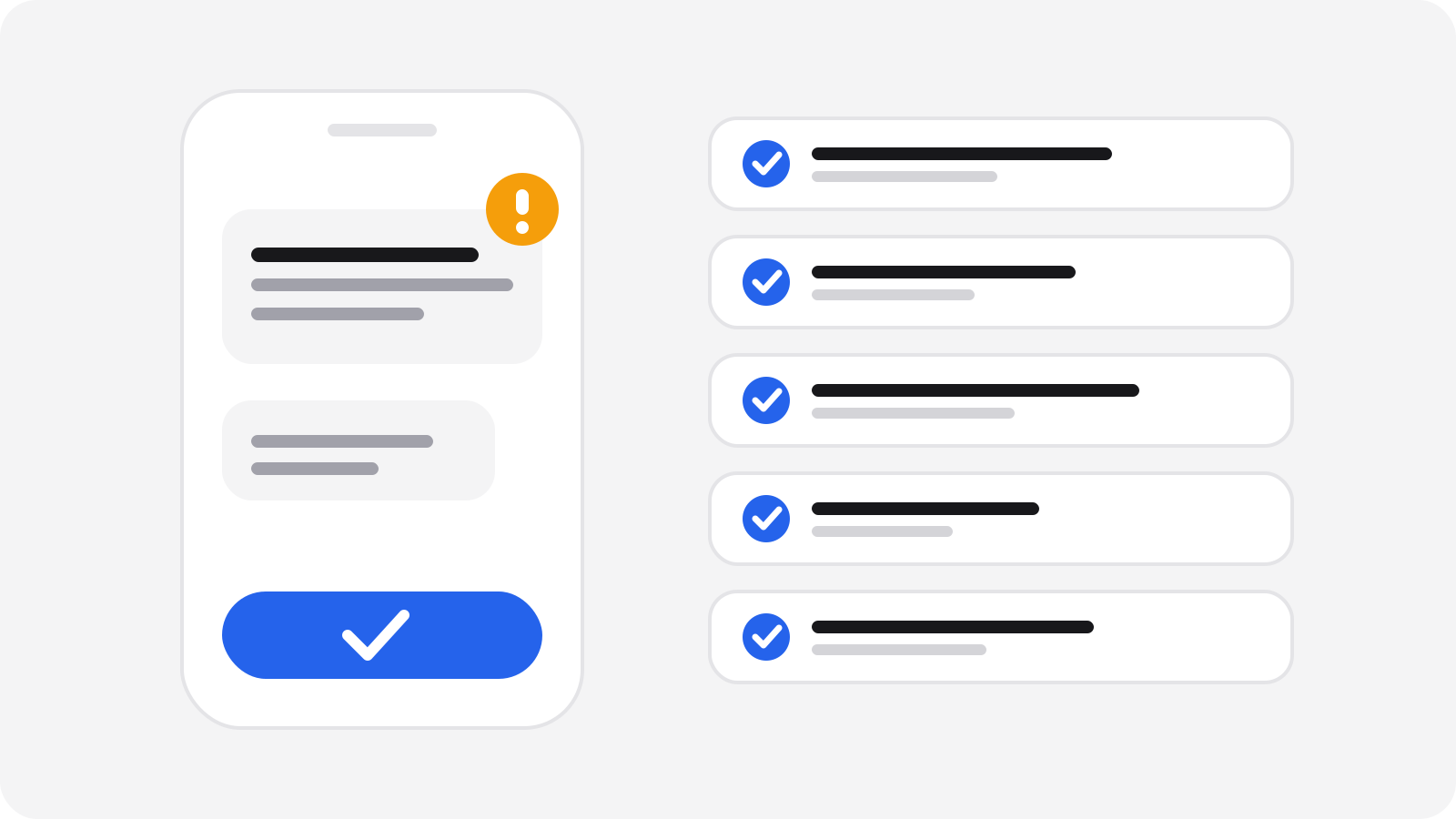

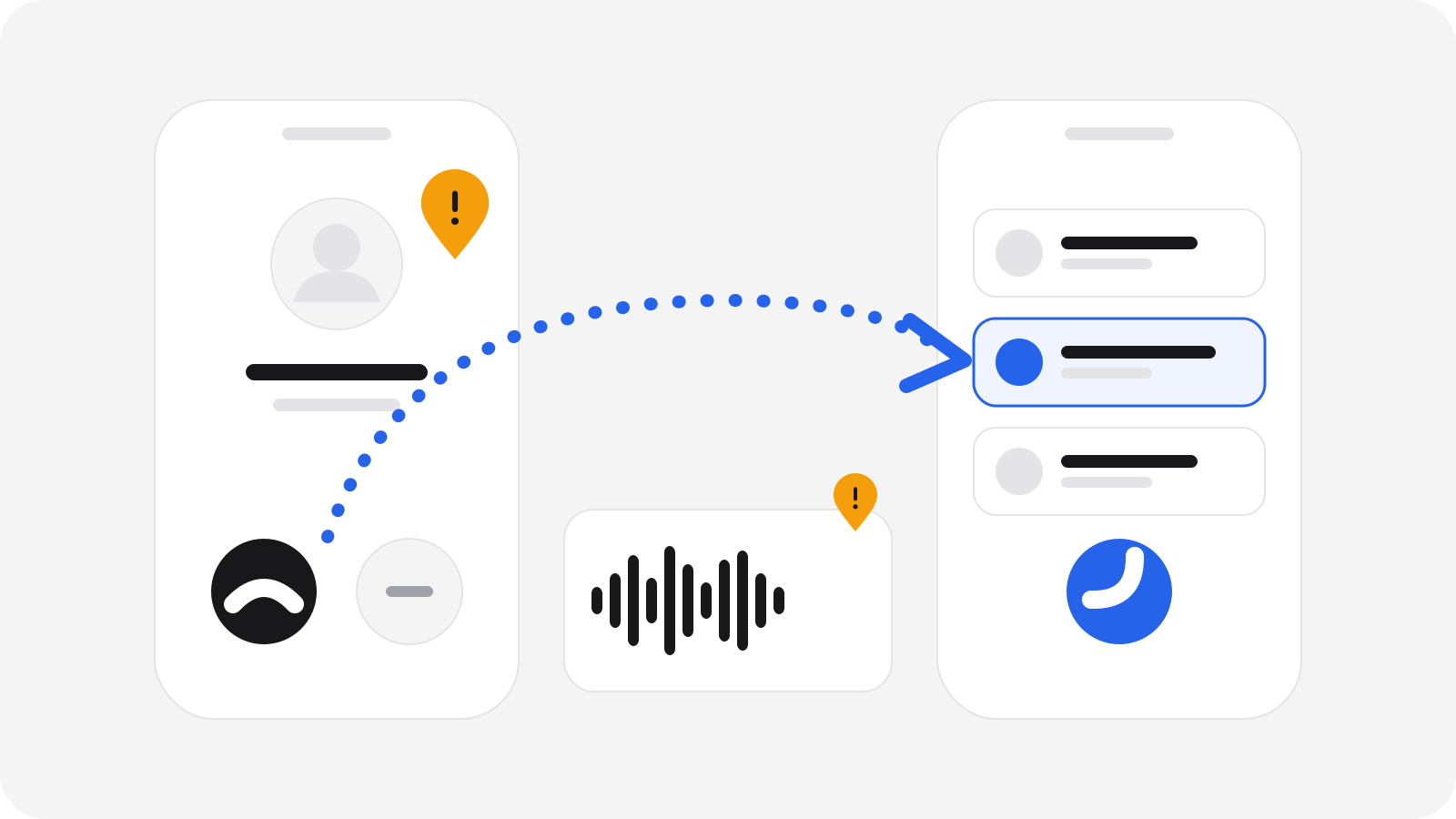
If a call makes you worried, rushed or secretive, hang up and call back on a number you look up yourself, such as the one on your bank card or in your bank's app. The number on your screen proves nothing, because caller ID can be faked. A real bank or police officer will never ask you to move money to a "safe account" or to read out codes.
Why do phone scams work so well?
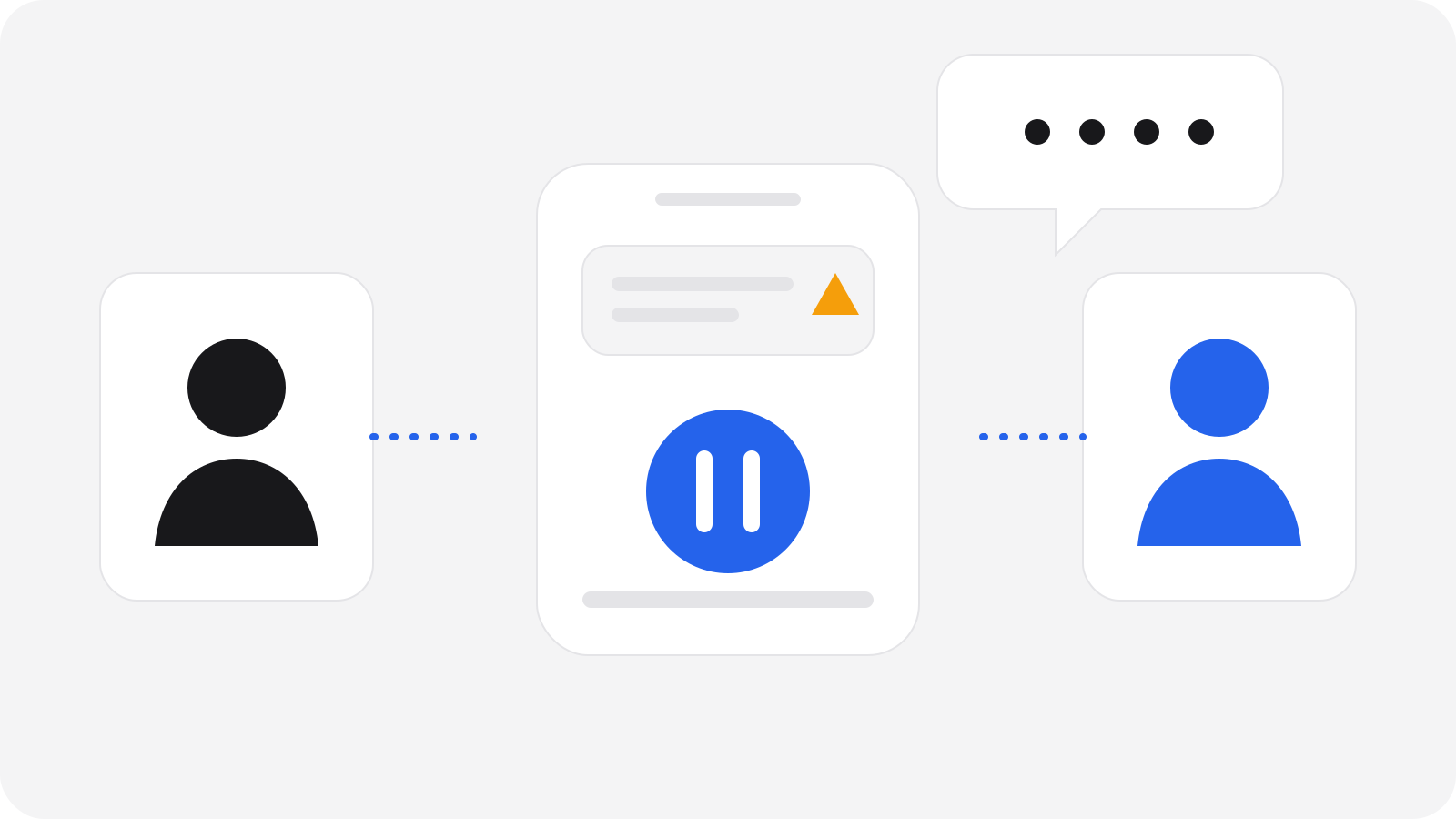
A call is live. You can't pause it, think it over or ask a friend. The caller sets the pace, and scammers use that on purpose: they create fear ("your account is under attack"), urgency ("we have to act right now") and authority ("this is the security department").
None of this means you were careless if you answered or even went along for a while. These calls are designed by people who do this full time. The goal of this guide is simple: give you one habit that works even when the call sounds very convincing.
Can I trust the number on my screen?
No. Caller ID can be faked, so a call can appear to come from your bank, a local number or even a number saved in your contacts. A familiar name or number on the screen is not proof of who is calling.
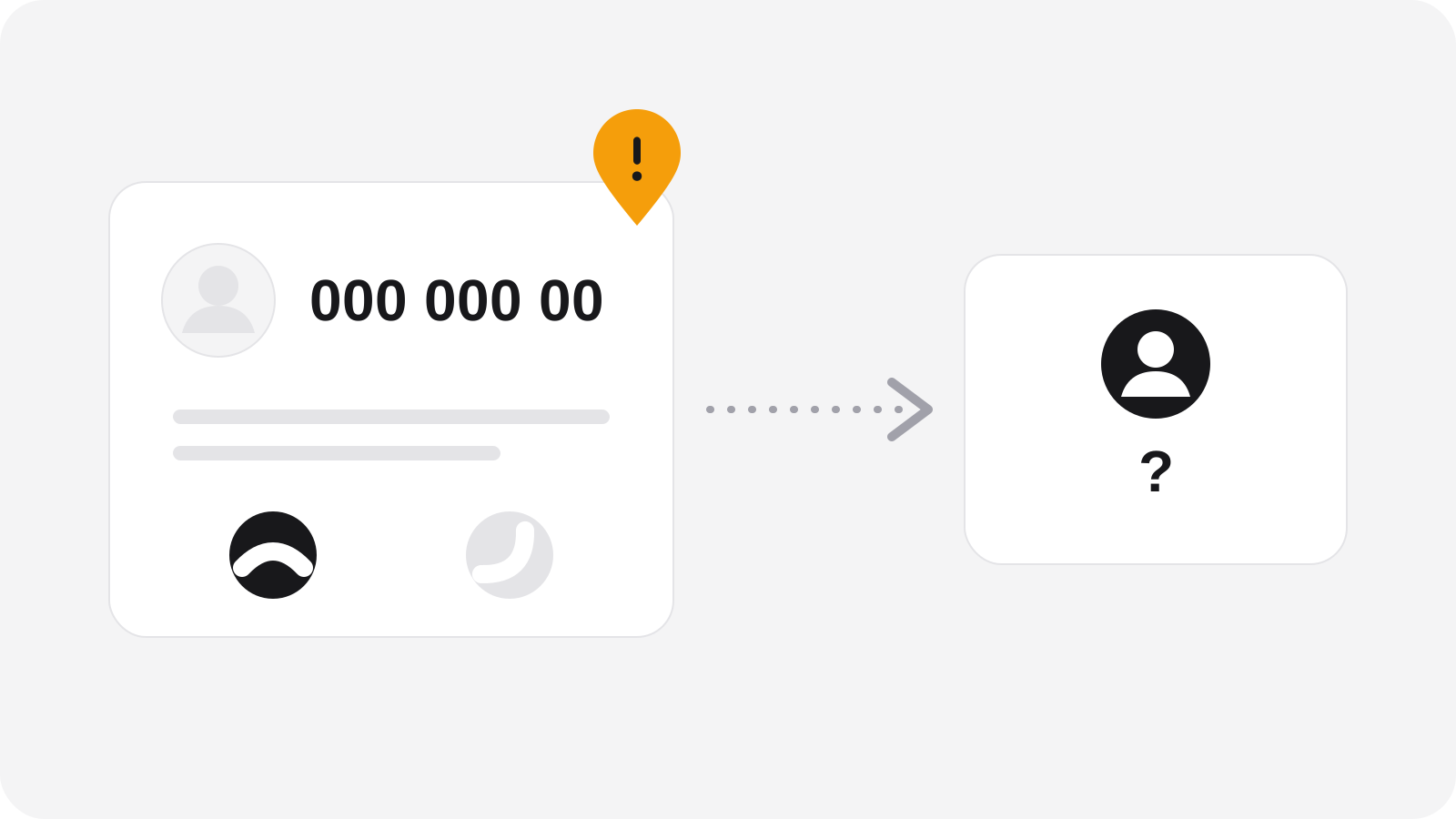
Treat the screen as a hint at best. What matters is what the caller asks you to do.
What do these calls usually sound like?
The stories change, but the pattern stays the same: someone official needs you to act fast, and to keep it between you and them.
- "Bank security department." They say there is suspicious activity on your account and you must move your money to a "safe account", confirm a code or approve a login request in your banking app. Your real bank would never ask for this.
- "Police" or another authority. They say you are part of an investigation, or that your card was found in a criminal's possession, and they need your PIN, your cards or your help "catching" someone. Police do not ask for PINs or ask you to hand over cards or transfer money.
- "Tech support." They say your computer has a virus or has been hacked, and ask you to install a remote-access program or pay for a fix. Real companies don't ring you out of the blue about a problem on your computer.
- "Your relative is in trouble." A panicked voice says they have had an accident, been arrested or lost their phone, and need money immediately.
Can a scammer copy the voice of someone I know?
Yes, it is possible. AI tools can imitate a voice from quite a short recording, such as a clip posted online. So a voice that sounds exactly like your son, daughter or grandchild is not proof that it is them.
The classic version is a call or voice message from "a relative" in a panic, with a new number and a request for money, secrecy or both. The fear is real, and that is the point.
What helps:
- Hang up and call the person on the number you already have for them.
- If you can't reach them, try someone else who would know where they are.
- Agree on a family code word that you'd only use for real emergencies. Anyone who can't say it is not who they claim to be.
Real call or scam call?
| Likely real | Likely a scam | |
|---|---|---|
| Pressure | You can end the call and call back | "Do it now, don't hang up" |
| Money | They never ask you to move money | "Move it to a safe account" |
| Codes and PIN | They never ask for these | They ask for a PIN, a code or an app approval |
| Secrecy | No problem if you talk to others | "Don't tell the bank staff or your family" |
| Who calls whom | You can verify them on a number you looked up | They give you the number to call |
| Software | Nobody asks for remote access | "Install this program so I can help" |
What is the golden rule?
Hang up, look up the number yourself, and call back. Three steps, every time, even if the caller sounds friendly and even if they already know your name.
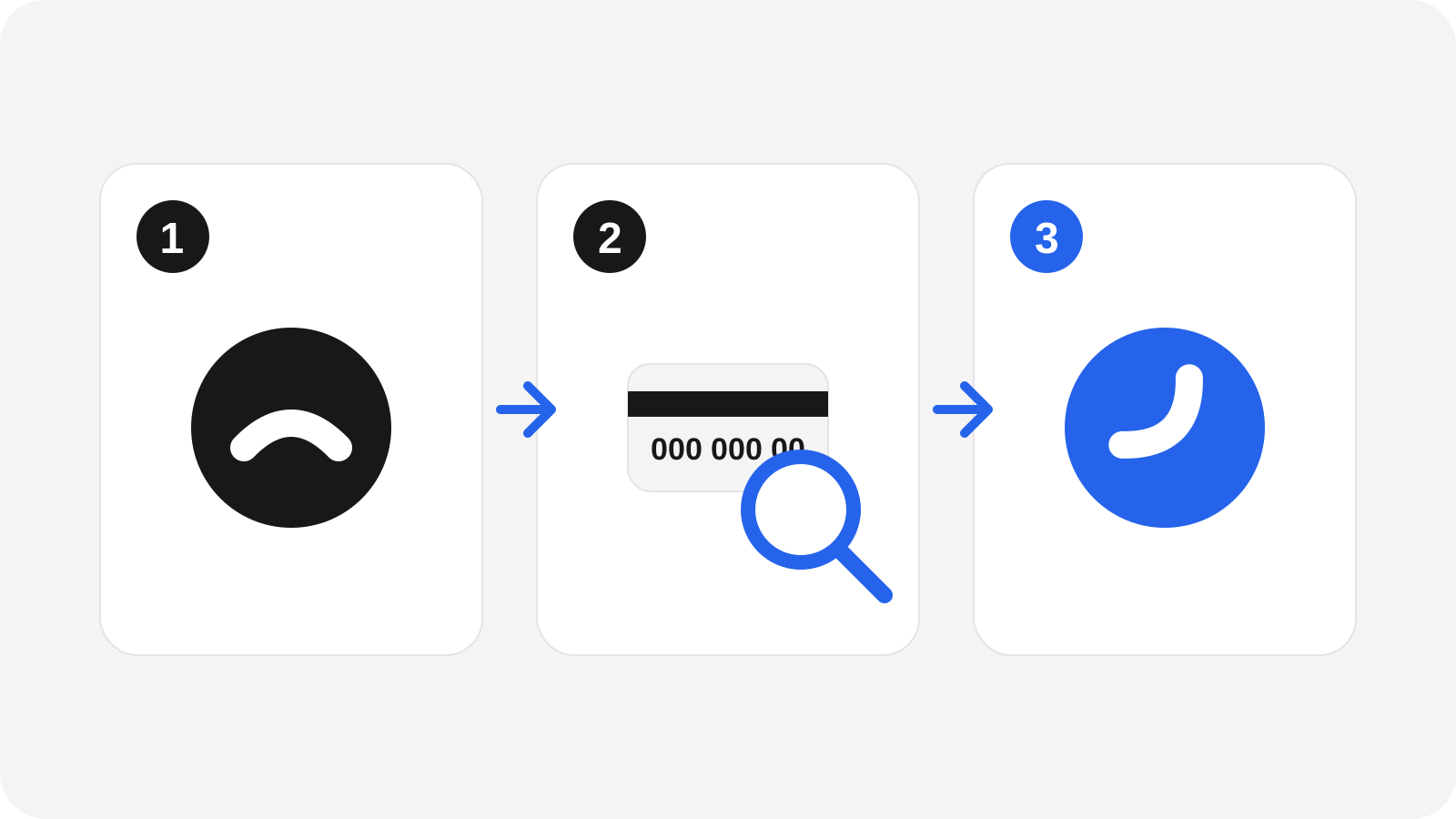
- Look up the number yourself. Use the number on the back of your bank card, in your bank's app or on a letter from them, or type the official website address yourself. Never use a number the caller gave you, a number sent by text or a "call back" button in a message.
- Give it a moment. Some phone lines can stay connected after you hang up, so the scammer may still be on the line. Wait a few minutes before you dial, or use a different phone.
- Ask the real people. If it was your bank, tell them what happened. If it was a relative, call that relative.
A real caller will be happy to let you check. A scammer will push back. That reaction tells you a lot.
Quick checklist
- Don't share PINs, passwords, card details or one-time codes, no matter who asks.
- Don't approve a login request in your banking or ID app that you didn't start yourself.
- Never move money to a "safe account". Banks and police do not do this.
- Don't install software or give remote access to someone who called you.
- Be wary of anyone who says "don't tell anyone" or "don't hang up".
- Say "I'll call you back" and then really do it, on a number you looked up.
- Agree on a family code word for emergencies.
What to do if it already happened
First, take a breath. This happens to smart, careful people, and acting quickly matters more than feeling bad about it.
- Call your bank right away on the number from your card or app. Tell them you may have been scammed, and ask them to block cards and stop or recall payments if possible.
- Change passwords on any account you may have given away, starting with your email and banking. Turn on two-step verification.
- If you installed software, disconnect the device from the internet and get a trusted person to check it.
- Keep the evidence: the number, the time of the call, any messages or payment details.
- Report it to your local police or your national fraud reporting service. In the UK, use Report Fraud at reportfraud.police.uk (in Scotland, call Police Scotland on 101).
- Tell your family or friends. It helps them stay alert, and it lets someone support you.
One last thing
You don't have to judge every call in the moment. You only have to remember one move: hang up and call back on a number you found yourself. Scamory is being built to help people and families check things like this together.