
You can make your accounts much harder to take over in about 20 minutes. Use a password manager, give every account its own password, turn on 2-step verification (an authenticator app or a passkey is better than SMS), and check which devices are signed in. Then keep one rule for life: never share a code, and never approve a login you didn't start yourself.
None of this needs technical skills. It just needs a quiet coffee break and your phone.
Why bother with your accounts?
Most scams end up at the same place: someone wants to get into one of your accounts, or get you to open the door for them. Your email is the biggest prize, because password resets for almost everything else are sent there. If someone controls your email, they can often reach your shopping, social media and banking accounts too.
Strong, separate passwords and a second step turn a stolen password from a disaster into a minor annoyance.
The 20-minute checklist
Set a timer and work through it in order. Even if you only finish the first half today, you're already safer.
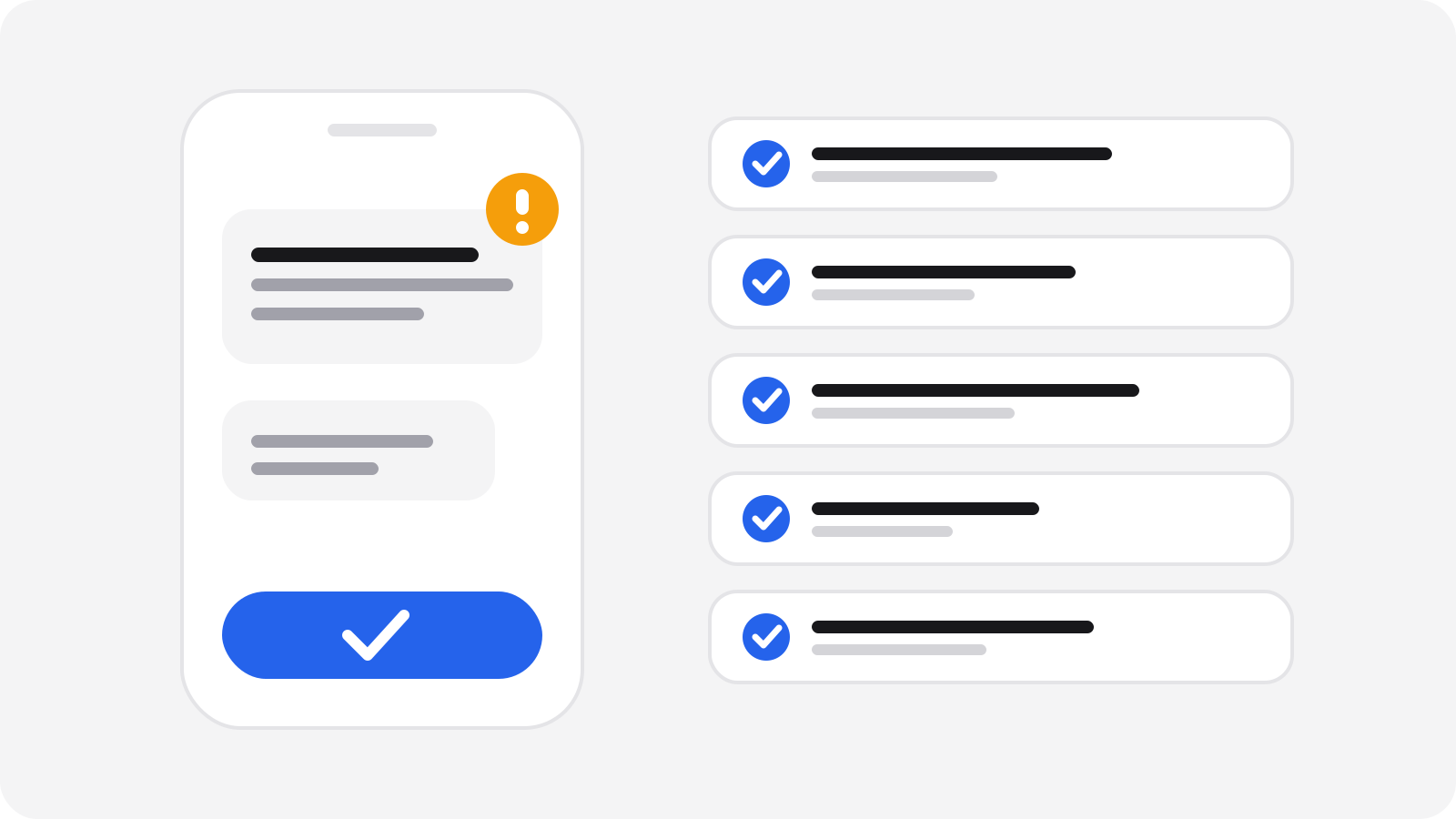
- Minutes 0-5: pick a password manager. A built-in phone or browser password manager is a fine start. A dedicated password manager works across more devices. Protect it with one long passphrase that you use nowhere else.
- Minutes 5-10: fix your most important passwords. Start with your main email, then the main account on your phone, then banking and shopping. Let the manager generate a long random password for each one.
- Minutes 10-16: turn on 2-step verification. Do it for email first, then everything that holds money or personal details.
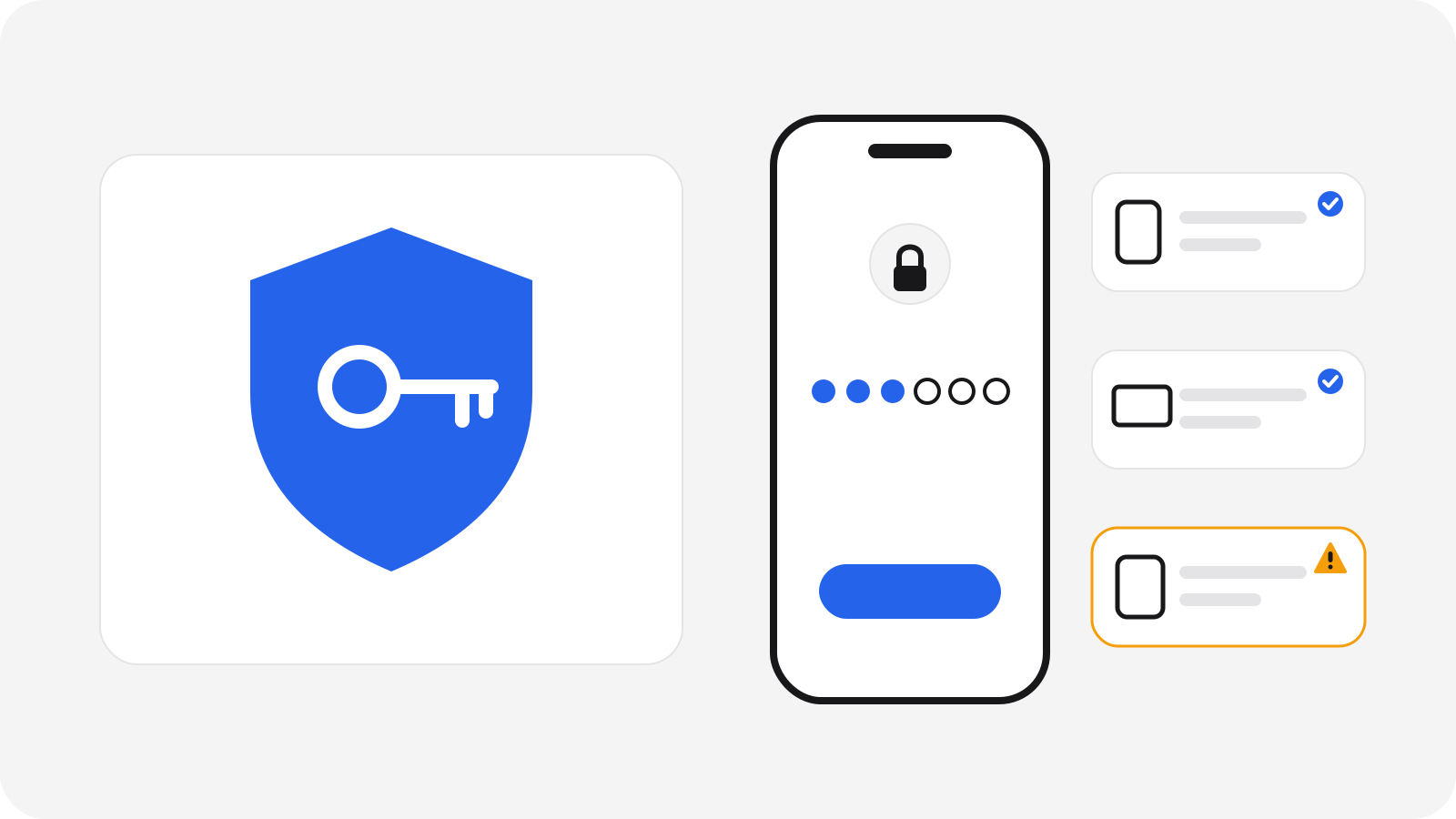
- Minutes 16-18: check your devices. Open the "devices" or "security" page of your main email and sign out anything you don't recognise.
- Minutes 18-20: save your backup codes. Store the recovery codes in your password manager or print them and keep them somewhere safe at home.
Why does every account need its own password?
Because passwords leak. When a website gets breached, criminals try the same email and password on other sites. If you reuse one password, one leak opens many doors.
With a password manager you don't have to remember any of them. It fills them in for you, and it won't fill them in on a fake site with a look-alike address, which is a quiet extra layer of protection.
Avoid passwords built from names, birthdays or pet names. A long random one made by the manager is better than anything you could invent.
Which 2-step verification is best?
2-step verification (also called two-factor or 2FA) asks for something more than your password. Not all methods are equal:
| Method | How good is it? | Good to know |
|---|---|---|
| Passkey | Strongest for most people | Tied to your device and the real website, so it can't be typed into a fake page |
| Authenticator app | Strong | Codes are made on your phone; still never type one into a page you reached from a message |
| SMS code | Better than nothing | Text messages can be redirected if someone takes over your phone number |
| No second step | Weak | A stolen password is enough |
If a service offers a passkey, take it. Otherwise choose an authenticator app. Use SMS only when nothing else is available.
Which devices are logged in to your account?
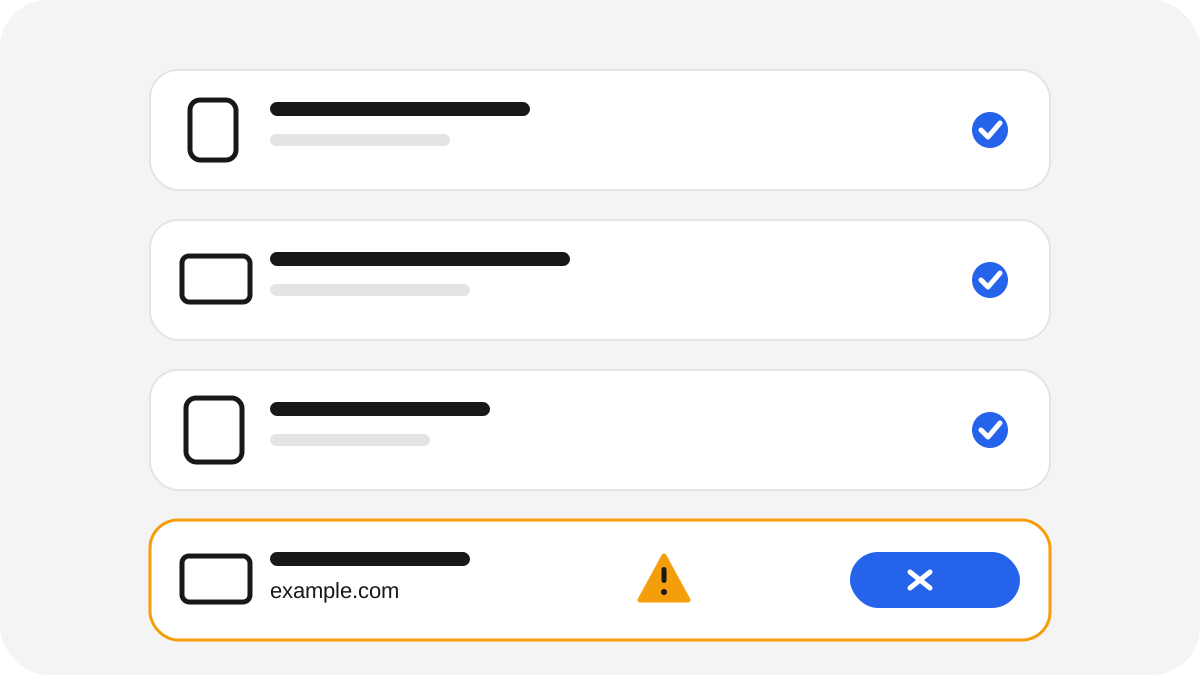
Most big services let you see every device that is signed in. Look for a page called "devices", "sessions" or "recent activity" in the security settings.
Check for:
- Devices you no longer own or use
- Locations or times that don't make sense
- Anything you simply don't recognise
Use "sign out" on those, then change your password. It takes two minutes and also clears out old logins on a phone you've sold or lost.
The rules for codes and login requests
This is where most people get caught, because the scam asks you to do the final step yourself.
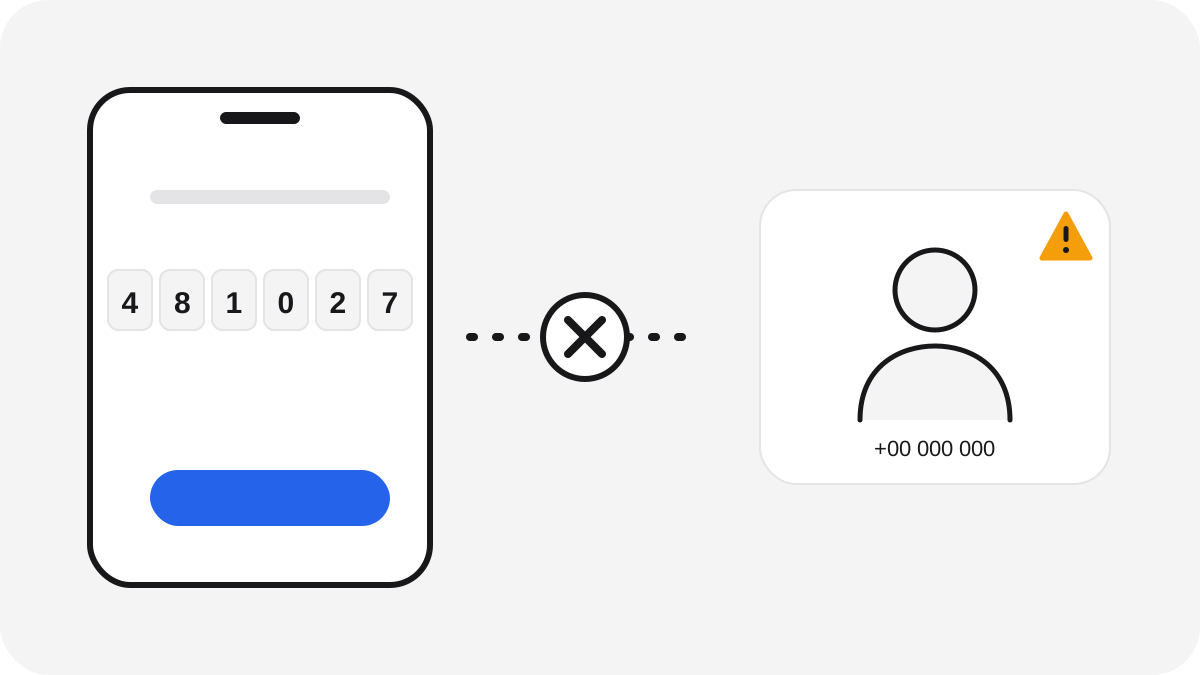
- A code is a key. Never read it out, type it into a link from a message, or forward it, even to someone who says they are from your bank, a delivery service or a family member.
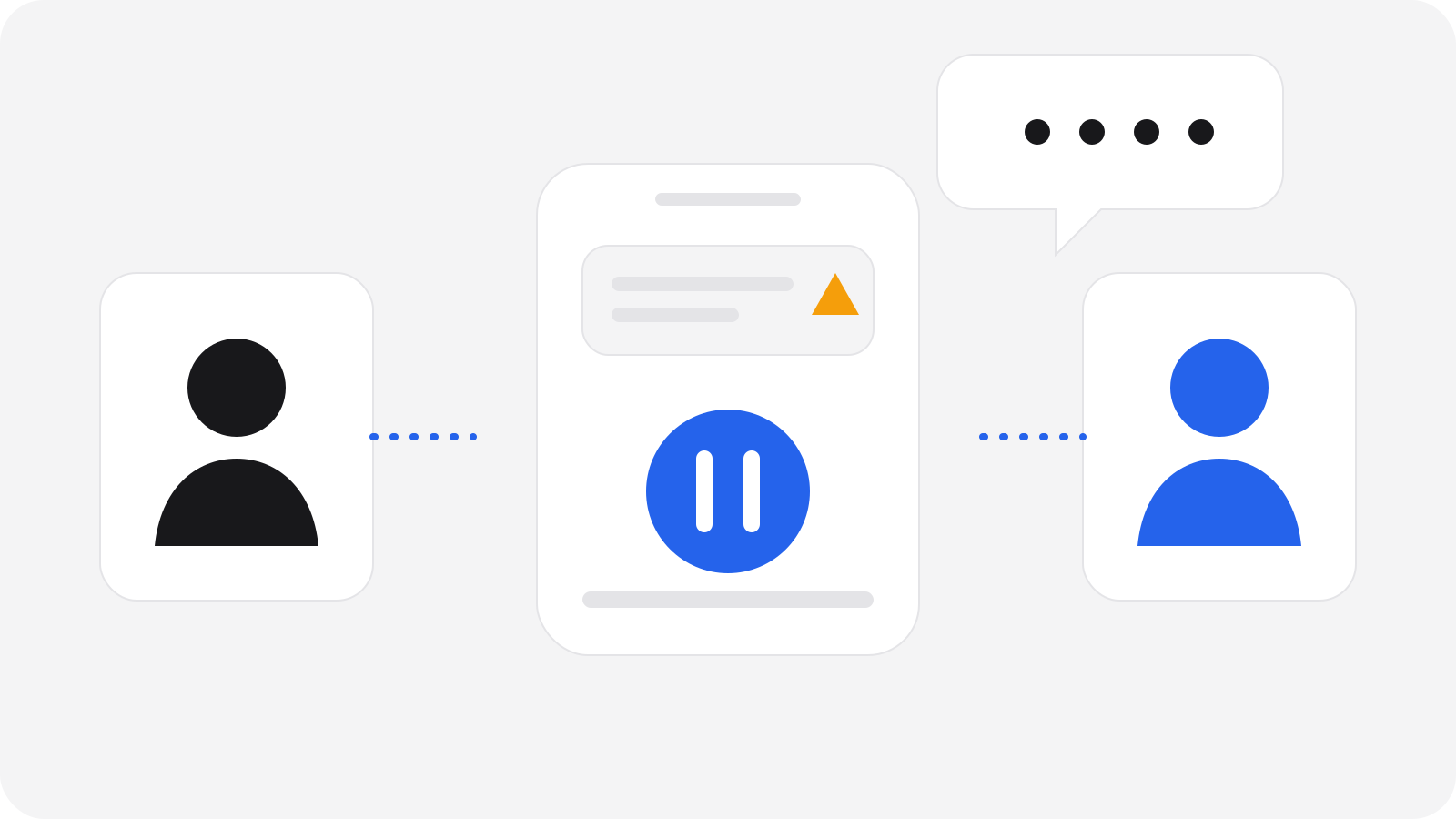
- Only approve a login you started. If a request from your bank's app or ID appears and you weren't just logging in, tap deny. Don't approve it "to make it stop".
- Real support teams don't need your code. They already have what they need.
- If a call or message feels urgent, hang up and open the official app yourself.
Here is how to tell the difference:
| What happens | Probably real | Probably a scam |
|---|---|---|
| A code arrives | You just tried to log in or pay | Nobody asked for it, or a caller asks you to read it out |
| A login request appears in your app | You started the login a moment ago | You didn't, and someone urges you to approve it |
| Someone asks for a code | Never | Always |
What to do if it already happened
It happens to smart, careful people, and there is nothing to be ashamed of. Act in this order:
- Call your bank straight away if a code, a login or a payment involved your bank. Use the number on your card or in the official app.
- Change the password of the affected account from a device you trust, then sign out all other devices.
- Turn on or reset 2-step verification and replace any codes you shared.
- Check your email for new forwarding rules or recovery addresses you didn't add.
- Report it. Contact your local police or your national fraud reporting service. In the UK, use Report Fraud (reportfraud.police.uk), or call Police Scotland on 101 if you are in Scotland. You can forward scam texts to 7726 in the UK.
- Tell someone you trust and warn friends and family, so the same message doesn't catch them too.
You can finish this today
Twenty minutes now saves a lot of stress later. Scamory is being built to help people check suspicious messages privately, but these habits work no matter what tools you use. Start with your email, and take the rest one account at a time.